

World clock, Australia-first
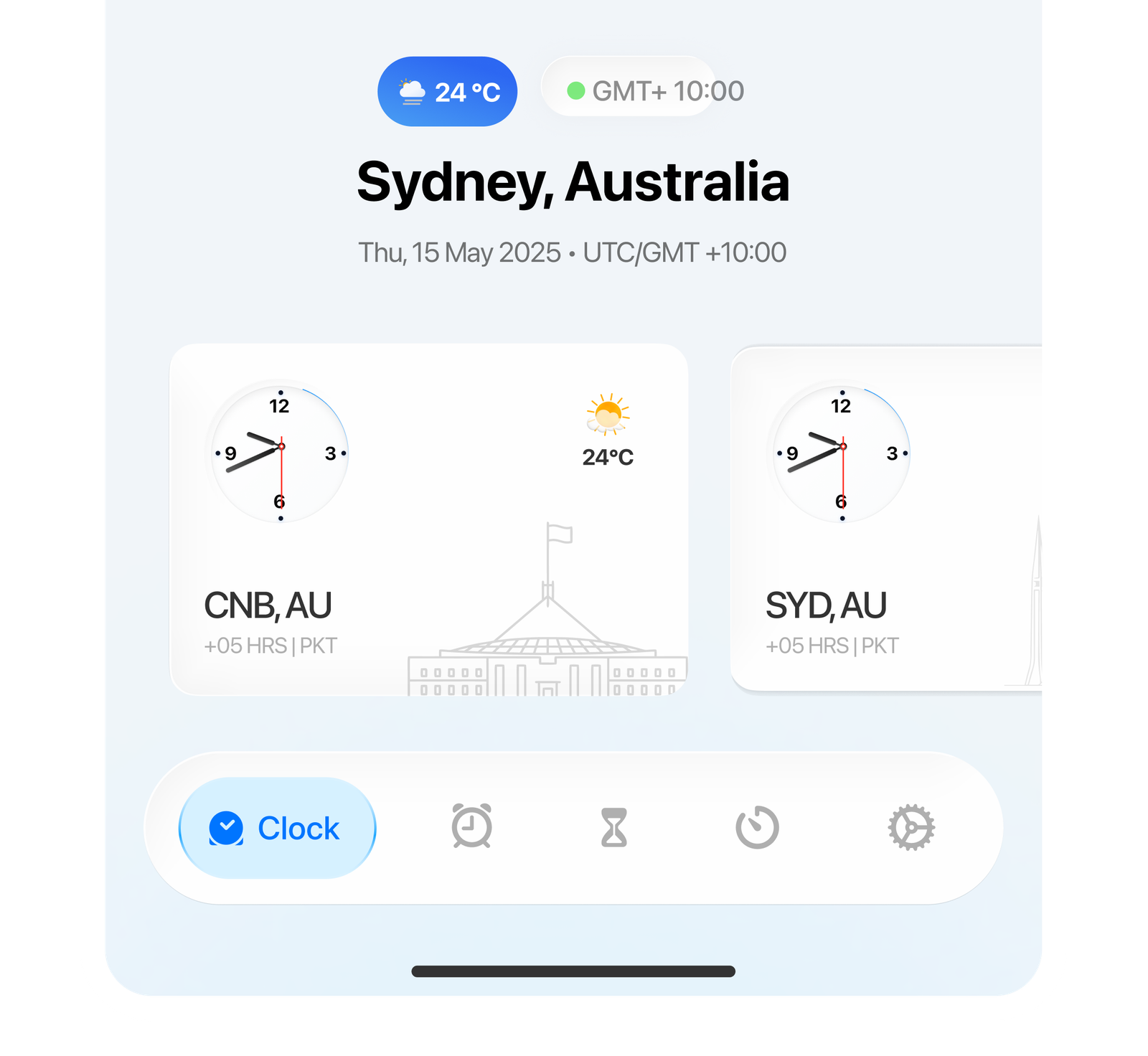
Pin Sydney as your home city, check live weather and your GMT offset, and compare time with cities around the world from one screen.
World clock, alarms, widgets, and public holidays built for Australia and everyone working across it.
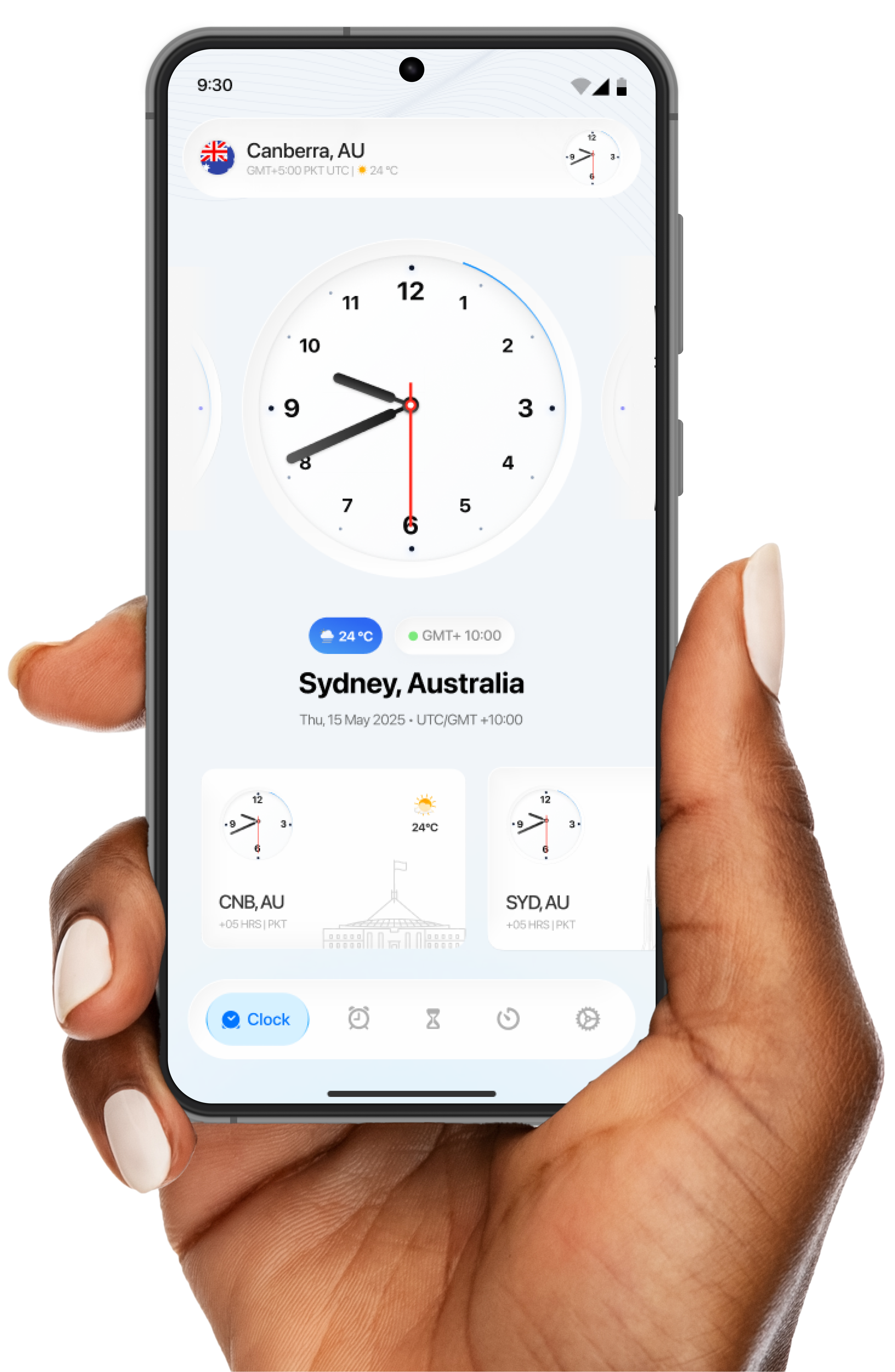
Australia Clock brings clarity to your schedules with Australian time zones, alarms, widgets, and world clock tools that adapt to how you plan each day.
Pin Sydney as your home city, check live weather and your GMT offset, and compare time with cities around the world from one screen.

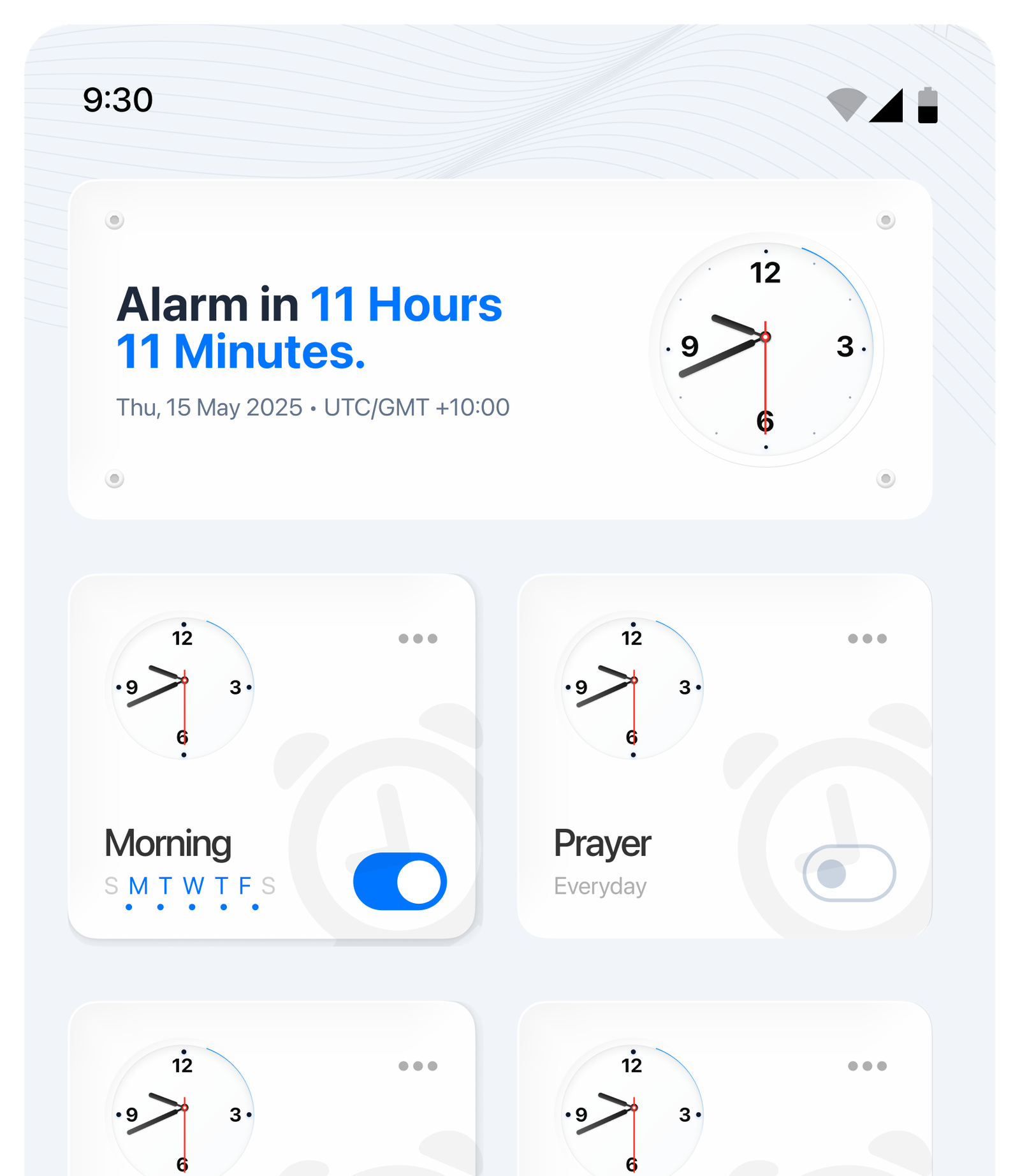
Know exactly when your next alarm fires, then manage named alarms like Morning and Prayer with weekday schedules and one-tap toggles.


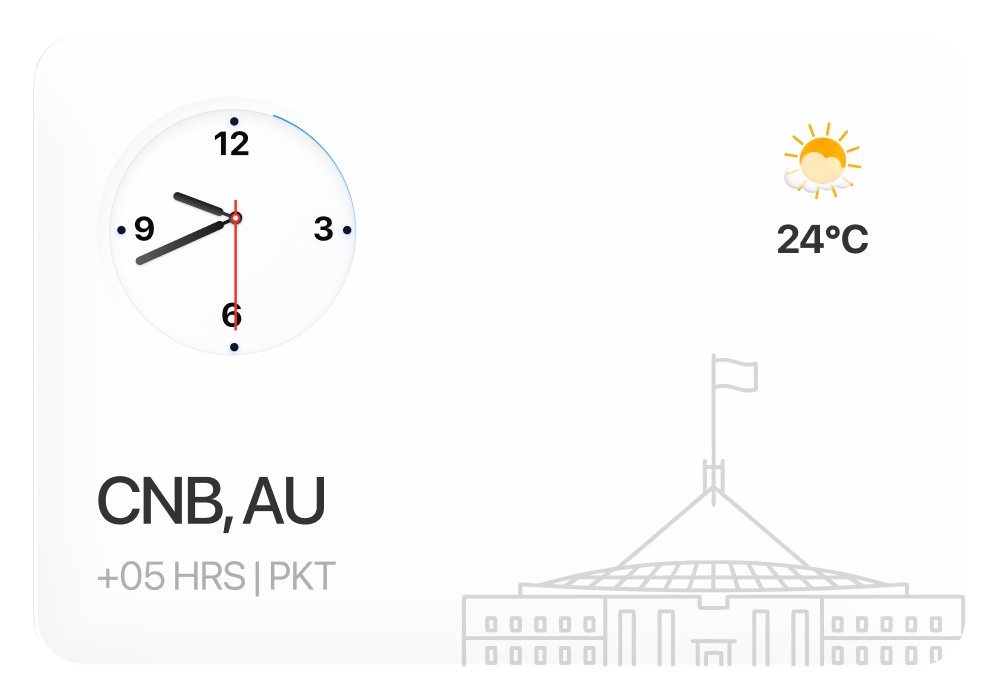
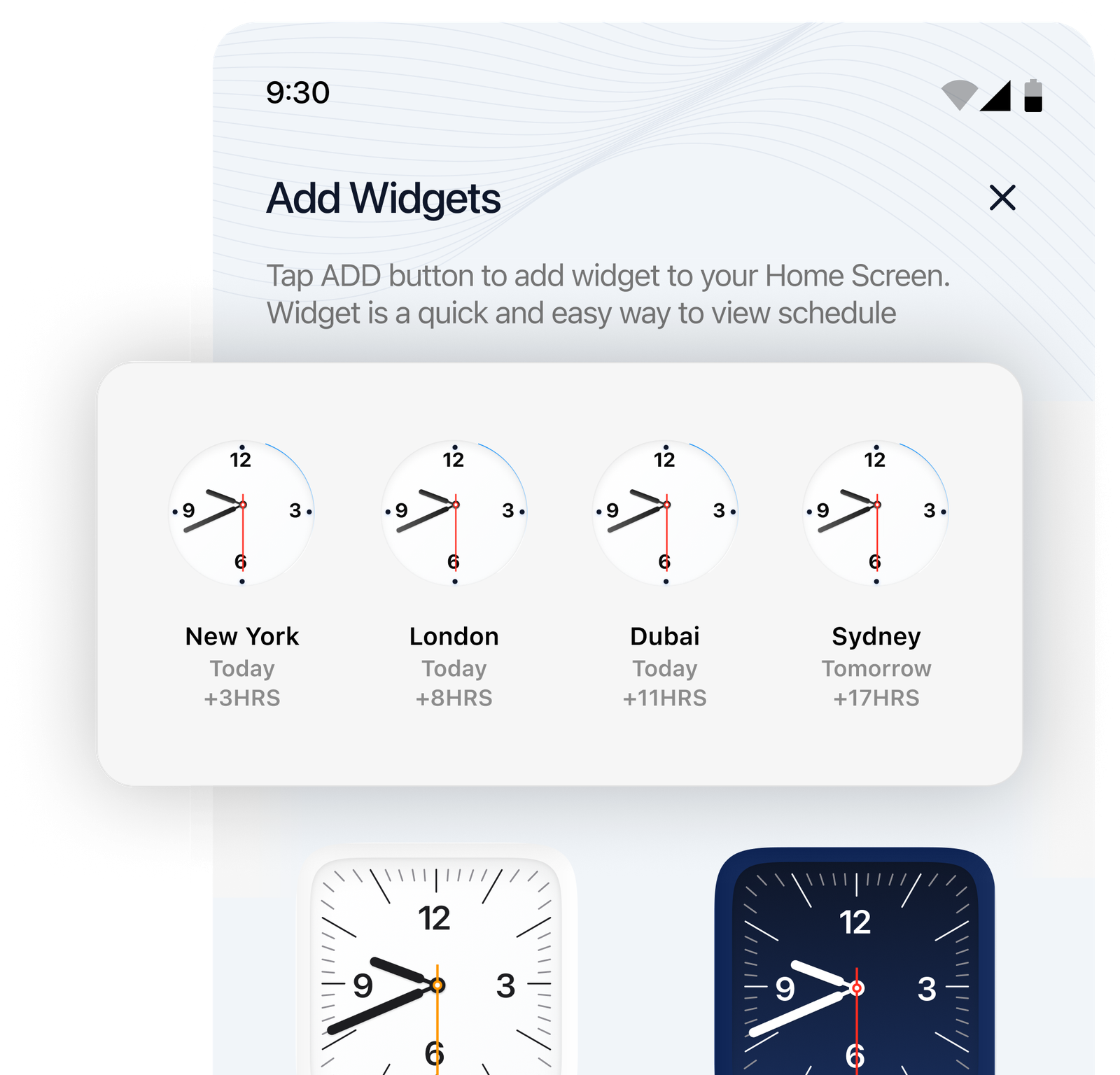
Drop analog clock widgets for any city straight onto your home screen — New York, London, Dubai, Sydney, and more, always within reach.
*Quick and easy to add — tap once, stay in sync.

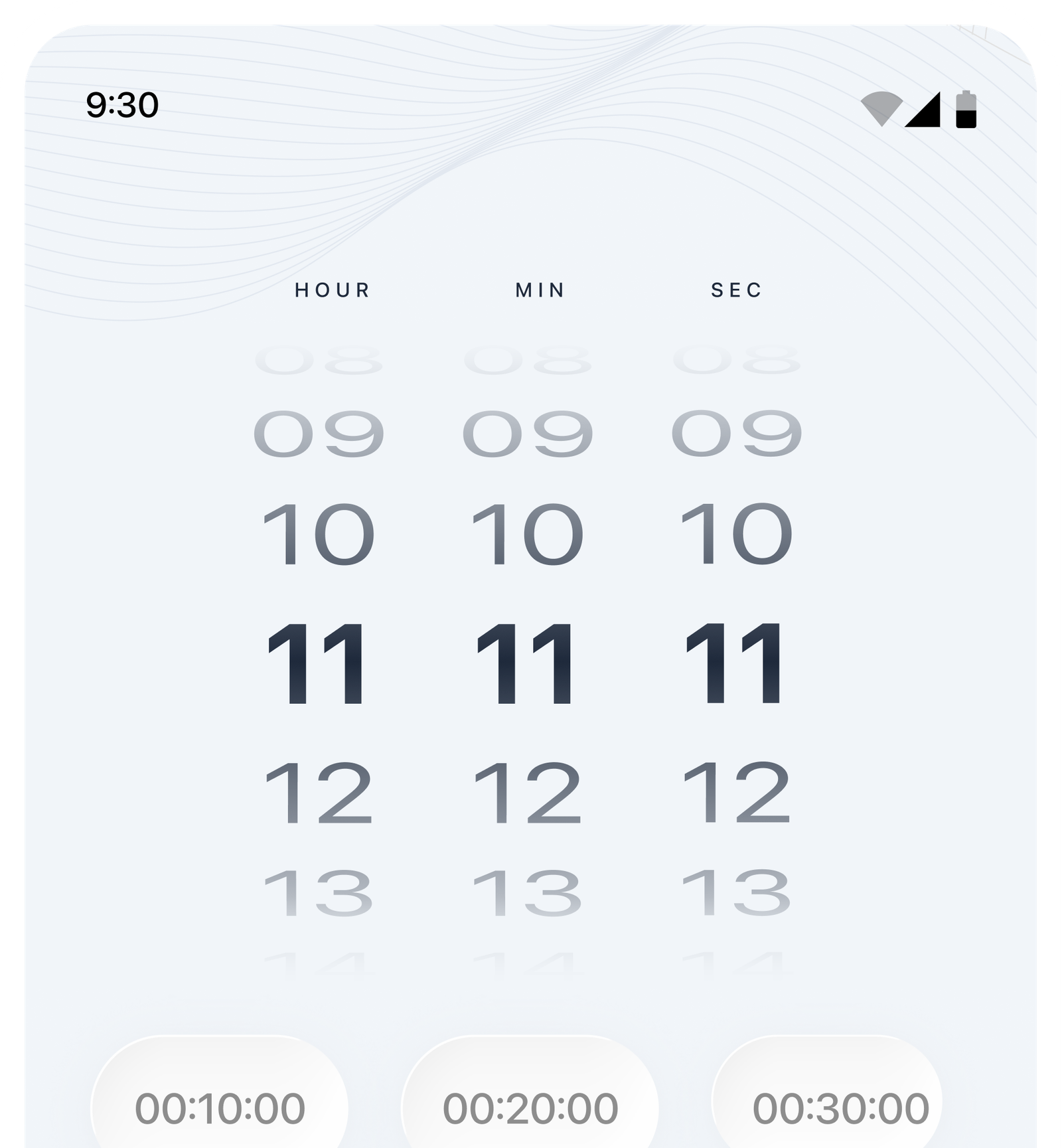
Dial in any duration with a smooth hour, minute, and second scroll picker — or tap a quick preset for 10, 20, or 30 minutes.
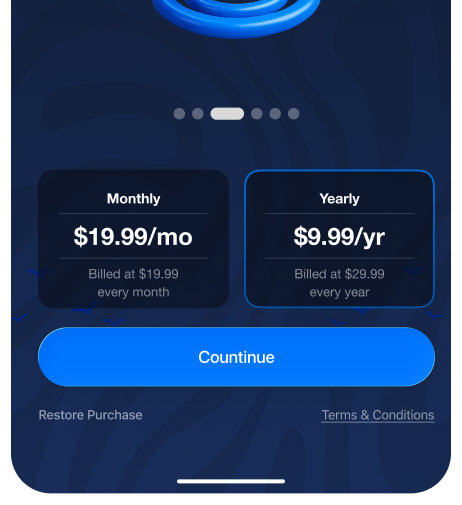
Get full access with a flexible monthly or yearly plan — and restore your purchase anytime.
Questions about world clock layouts, alarms, widgets, or Australian holidays? Send us a note and we'll point you in the right direction.
Freelance designer
“Finally one place for Sydney time, client cities, and alarms. I open Australia Clock every morning.”
Frequent traveller
“World clock plus widgets without the clutter. The layout stays calm even when my roster isn't.”
Remote product lead
“Holiday and region checks for AU are accurate. My team stopped asking 'what time is it there?' in chat.”
Small business owner
“Alarms and reminders feel human, not naggy. The gentle prompts actually match how I work.”
Student
“Clean UI, reliable times, and the widgets fit my home screen without looking messy.”
Freelance designer
“Finally one place for Sydney time, client cities, and alarms. I open Australia Clock every morning.”
Frequent traveller
“World clock plus widgets without the clutter. The layout stays calm even when my roster isn't.”
Remote product lead
“Holiday and region checks for AU are accurate. My team stopped asking 'what time is it there?' in chat.”
Small business owner
“Alarms and reminders feel human, not naggy. The gentle prompts actually match how I work.”
Student
“Clean UI, reliable times, and the widgets fit my home screen without looking messy.”
Freelance designer
“Finally one place for Sydney time, client cities, and alarms. I open Australia Clock every morning.”
Frequent traveller
“World clock plus widgets without the clutter. The layout stays calm even when my roster isn't.”
Remote product lead
“Holiday and region checks for AU are accurate. My team stopped asking 'what time is it there?' in chat.”
Small business owner
“Alarms and reminders feel human, not naggy. The gentle prompts actually match how I work.”
Student
“Clean UI, reliable times, and the widgets fit my home screen without looking messy.”
Operations coordinator
“We coordinate Sydney with overseas hubs daily. Having AU-first context in one app saves real minutes.”
Expat in Melbourne
“Family calls across time zones got easier. I trust the offsets and the reminders feel steady.”
Consultant
“Fast comparisons between regions, and the focus tools help when I need a clean block of work.”
Travel blogger
“It's the first clock app that doesn't feel like a spreadsheet. Everything I need is one tap away.”
Developer
“Smooth animations, sensible defaults, and widgets that stay in sync. Exactly what I wanted on Android.”
Operations coordinator
“We coordinate Sydney with overseas hubs daily. Having AU-first context in one app saves real minutes.”
Expat in Melbourne
“Family calls across time zones got easier. I trust the offsets and the reminders feel steady.”
Consultant
“Fast comparisons between regions, and the focus tools help when I need a clean block of work.”
Travel blogger
“It's the first clock app that doesn't feel like a spreadsheet. Everything I need is one tap away.”
Developer
“Smooth animations, sensible defaults, and widgets that stay in sync. Exactly what I wanted on Android.”
Operations coordinator
“We coordinate Sydney with overseas hubs daily. Having AU-first context in one app saves real minutes.”
Expat in Melbourne
“Family calls across time zones got easier. I trust the offsets and the reminders feel steady.”
Consultant
“Fast comparisons between regions, and the focus tools help when I need a clean block of work.”
Travel blogger
“It's the first clock app that doesn't feel like a spreadsheet. Everything I need is one tap away.”
Developer
“Smooth animations, sensible defaults, and widgets that stay in sync. Exactly what I wanted on Android.”
Everything you need to know about Australian time zones, world clocks, alarms, and how Australia Clock fits into your day.
Yes. Australian states and territories that observe daylight saving are reflected so local times stay accurate through the year.
You can keep Australian regions alongside global cities in the world clock so planning across borders stays straightforward.
Core time tools work on device. Accounts or sign-in are only needed if we add synced preferences in a future release.
No. It's built with Australian scheduling in mind, but anyone working with Australian time zones or comparing cities can use it.